Linux: How to choose which distro?
These days, it can be hard to know where to start. Should you choose Manjaro or Ubuntu? What about Linux Mint or Zorin OS? Even I can find it sometimes difficult to pick the right daily driver.
In this post, I’ll try to give a clear overview of some popular Linux distributions, explain the main differences between them, and help you decide which one might be the best choice for you.
Debian-based: Debian, Ubuntu, Pop!_OS, Linux Mint, Zorin OS, ...
Debian itself is very stable, but it often lags behind when it comes to updates, so I would not really recommend it if you want the newest software.
Ubuntu is very user-friendly, but the Snap Package Manager is not that great, and Canonical has recently made some decisions that many in the community feel go against open-source principles.
Pop!_OS is very good, but I would personally wait for their COSMIC Desktop to become more polished. Pop!_OS also includes NVIDIA drivers in its ISO, making it a great option for gamers with modern NVIDIA graphics cards.
Linux Mint and Zorin OS are both very user-friendly and accessible for less technically minded users coming from Windows. For example, Cinnamon, which is used by Linux Mint, feels very familiar to Windows users. Zorin OS Desktop also has a Windows-like feel, and Zorin OS even lets you choose layouts that resemble Windows, Linux, or macOS.
Fedora-based: Fedora, Nobara, Bazzite, ...
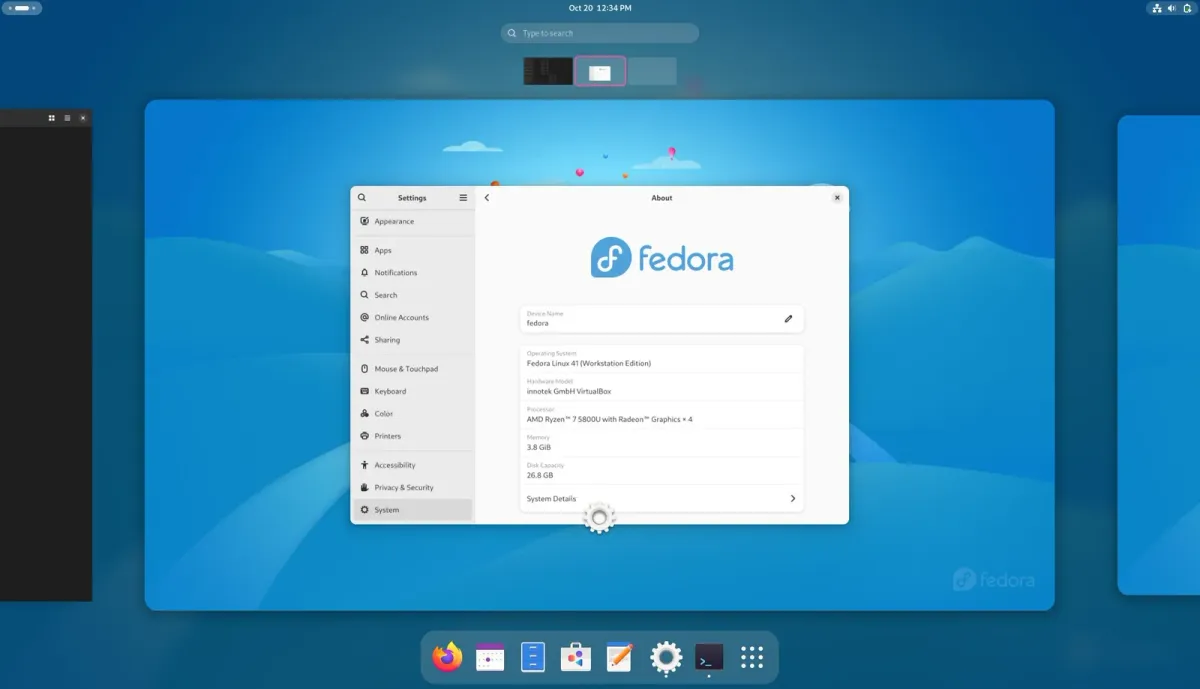
Fedora gets new software fairly quickly and has regular releases, which is very useful for newer hardware. It also has different spins for example a KDE or Cinnamon spin.
Nobara and Bazzite are more like distros for gamers, for example with built-in NVIDIA drivers. Bazzite has a feature that makes it an immutable system. This means they basically update the entire system as a whole, which makes it easier to roll back. However, this can make installing certain apps or making system changes a bit more difficult. Bazzite is more focused on handhelds. There is a desktop version, but the distro is mainly aimed at handheld devices. Secure Boot is not enabled out of the box on Bazzite; you have to set it up yourself. Nobara officially advises against Secure Boot because of kernel compatibility.
Arch-based: Arch, EndeavourOS, CachyOS, ...
Arch is very good if you already know quite a bit about Linux. It is also quite easy to break, but you get maximum control and the newest software.
EndeavourOS is very useful if you want everything Arch offers, such as the AUR, but without all the difficulties of Arch itself.
CachyOS is aimed at gamers. The AUR is very useful for getting the newest software and drivers. CachyOS also includes built-in NVIDIA drivers.
Which one should you choose?
If you are a beginner I would certainly choose something familiar, Linux is a whole different system to start with so Linux Mint or Zorin OS are great to start with. They have the Windows-like feel and are very stable with a large and growing app selection.
If you want newer software updates and newer drivers, Fedora-based distros are the way to go. They offer a sleek and modern experience, but they also come with a slightly bigger learning curve, since you may need to use the terminal more often than you would on something like Linux Mint or Zorin OS.
Then, if you really want a challenge or more control over your distro, Arch is the way to go. Arch itself gives you full control over your installation, constant updates, and access to the AUR, which gives you one of the biggest and most up-to-date app libraries available on Linux. If you are a bit hesitant about using commands to install your distro, EndeavourOS is a great option. It gives you most of the benefits of Arch, but with a much easier installation process. If you are a gamer, CachyOS is also worth considering, as it includes built-in NVIDIA drivers and gaming-focused tweaks to optimize the Linux gaming experience.
What are some tips?
Do not download random apps or copy and paste commands from just any forum. Use your common sense. Malware also exists on Linux, even if it is less common than on Windows.
Also keep in mind that you may need to look for alternatives to certain Windows-only software, such as Adobe apps. Wine can be used to run some Windows applications on Linux, but not all of them will work perfectly. Some games may also not run flawlessly, although Steam has improved Linux gaming a lot with Proton.